
Best AI Interview Assistants and Copilots for Live Interviews (2026)
Compare AI interview assistants by audio reliability, answer quality, free access, pricing models, coding workflows, platforms, privacy, and practical testing.
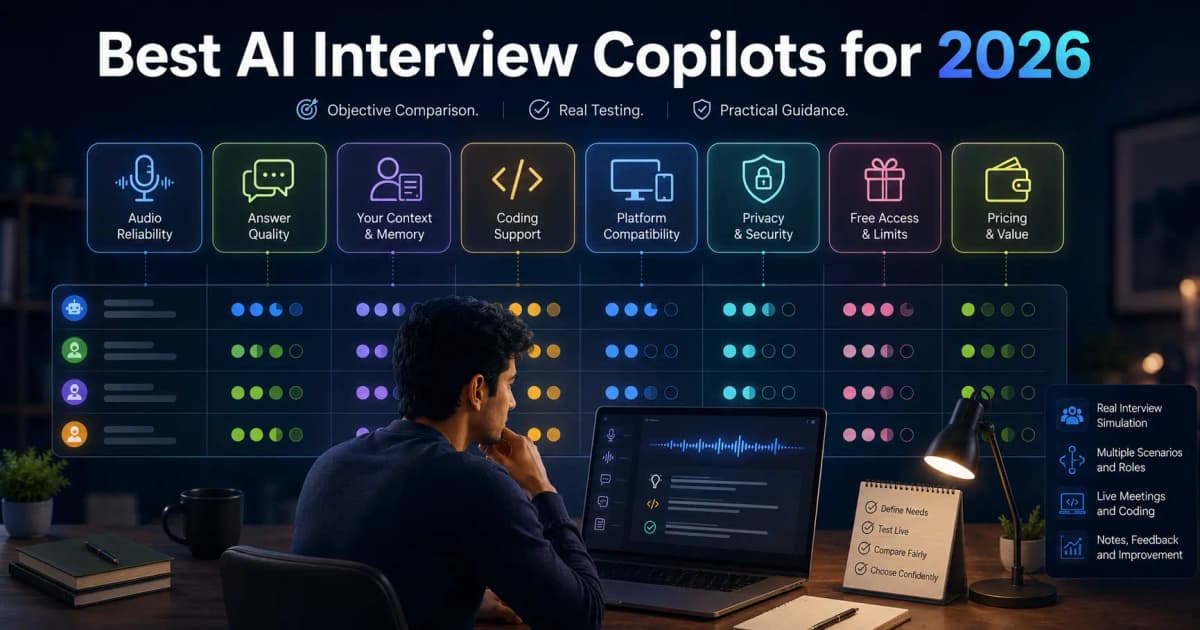
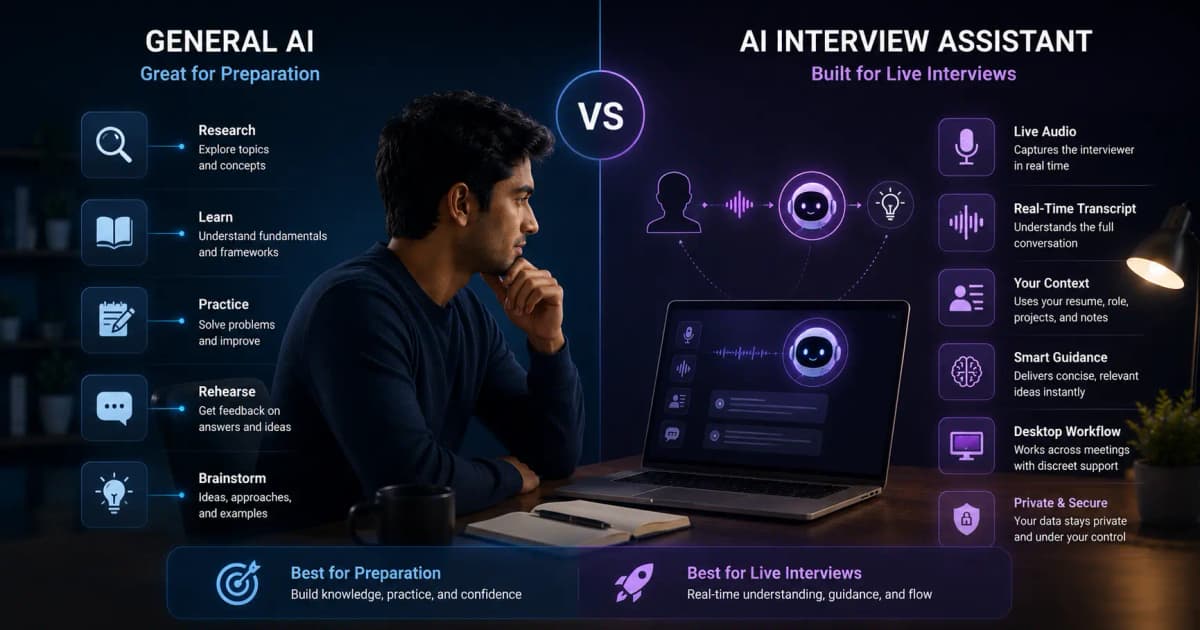
The best AI interview copilot is not the one that generates the longest answer. It is the one that captures your interview audio reliably, produces concise and accurate talking points, adapts to follow-ups, uses your real context, and fits your platform and budget.
Shortlist by use case
- InterviewGPT: Windows-first live interview workflows, coding/screen context, mobile companion, and a free embedded Invisible Browser.
- LockedIn AI: broad web/desktop ecosystem with credits, subscriptions, and lifetime packaging.
- Parakeet AI: session-credit workflow, multilingual emphasis, desktop and mobile-optimized use.
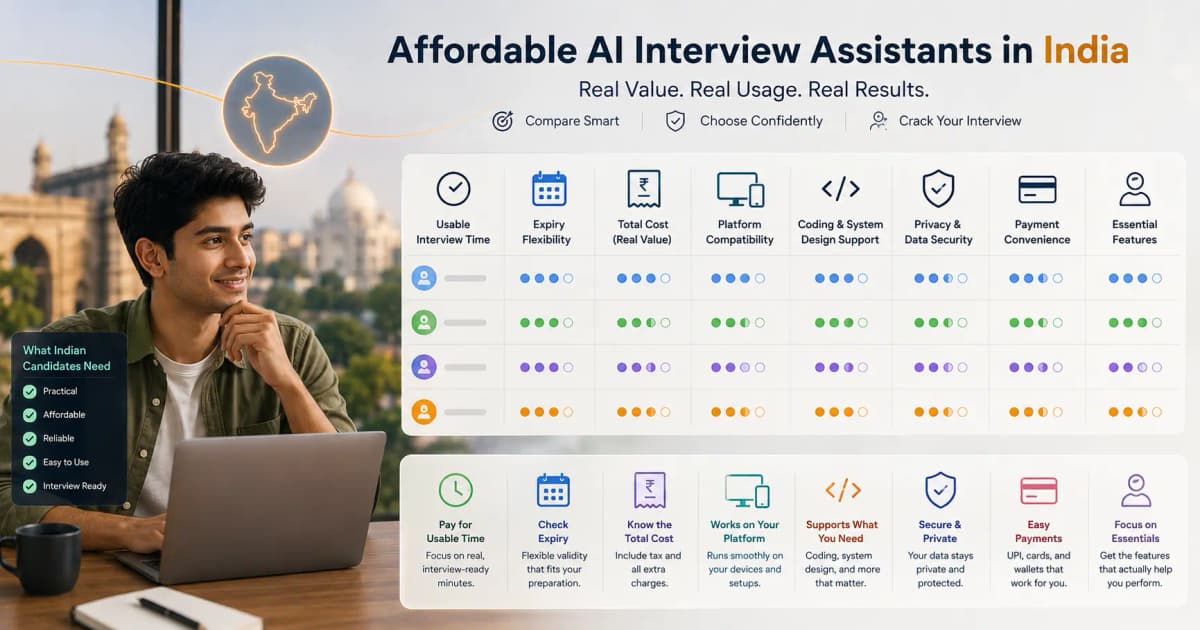
- Chiku AI: India-focused bundles and content, with non-expiring credit options.
- Final Round AI: broader preparation suite with live copilot, mocks, reports, resume and job search tools.
- Verve AI: free starter copilot/mock access and a multi-tool preparation suite.
- Sensei AI: browser customization, resume/story tools, coding copilot, and unlimited Pro plan.
- Cluely: general meeting assistance and notes; compare its interview fit and separately priced screen-share-hidden tier.
- Interview Coder: technical-interview specialization; assess whether you also need behavioral and general interview modes.
InterviewGPT publishes this guide. The list is an evaluation set, not an independent award.
The six-part test
1. Audio reliability
Test with the exact meeting app, headset, and Windows/macOS settings you will use. Ask another participant to interrupt, speak quietly, and use an acronym. A feature page cannot predict your audio routing.
2. Answer scanability
Time how long it takes to find the main point. Useful live output usually offers a structure, specific bullets, and a short example. A polished essay can be counterproductive under pressure.
3. Follow-up handling
After a standard question, ask “What did you personally do?”, “What was the measurable result?”, or “What would you change?” The copilot should preserve context without inventing facts.
4. Personalization
Load a sanitized resume and job description. Check whether the product uses relevant skills and real achievements. Never upload confidential employer information you are not allowed to share.
5. Technical reasoning
For coding or system design, test requirements, brute-force versus optimized approaches, complexity, edge cases, and changing constraints. A final code block without reasoning is weak interview support.
6. Real cost and limits
Convert credits, sessions, and subscriptions into your expected usable minutes. Include tax, minimum blocks, renewals, expiry, and premium-feature gates. Read the pricing model comparison.
How to compare free AI interview assistants
Free access can mean unlimited practice, a short live trial, a daily reset allowance, or a companion feature whose live AI usage is metered separately. Compare the task you can actually test rather than adding unlike minutes, sessions, or credits.
- Practice access: useful for repeating questions and reviewing authentic answers.
- Live trial: useful for checking system audio, transcription, and real-time scanability.
- Reset allowance: useful only when the duration, cooldown, and daily count are clear.
- Companion feature: may remain free while transcription or model usage has separate limits.
Prepare the same resume, role description, headset, meeting app, and five-question script for every product. Record transcription errors, time to a useful response, invented details, what happens at the limit, and whether a payment card is required.
Compare pricing models by expected use
Credit, minute, session, subscription, and unlimited-pass prices are not directly comparable. Calculate the tax-inclusive cost for the minutes you realistically expect to use.
needed minutes = interview minutes + practice and setup + billing-block waste + contingency
effective hourly cost = final checkout price ÷ expected used hours
Check expiry, auto-renewal, annual billing, minimum session deductions, refund terms, feature gates, and network-failure treatment. Vendor prices and limits change, so use official pricing pages as the final source rather than a static comparison table.
Screen sharing and “invisibility”
Vendors often use absolute language, but capture behavior depends on OS APIs, app versions, enterprise security, GPU paths, and what you share. Treat stealth as a configuration-specific capability. Record a private test from a second account using full screen, window, tab, and region sharing. Follow your interviewer's rules and be prepared to continue without the tool.
Why InterviewGPT belongs on the shortlist
InterviewGPT combines general and technical live modes, resume/role context, screen capture, a Windows desktop experience, companion mobile access, session history, and a free Invisible Browser. The browser is the free/unlimited manual feature; AI sessions have a separate configured allowance and paid access. This makes the product attractive to candidates who want a low-friction test and flexible India-oriented plans without pretending every live minute is free.
A 20-minute buying process
- Pick three products that fit your OS and interview type.
- Use the same resume, job description, and five-question script.
- Record transcription errors, response delay, scan time, invented details, and final cost.
- Run a screen-share test from a second account.
- Choose the workflow you can use calmly—not the page with the longest feature list.
Start with InterviewGPT's free entry, download the Windows app, or compare InterviewGPT alternatives.
Sources
Product facts should be refreshed from the official pages linked in the alternatives hub. For a neutral publication standard, follow Google's guidance to provide original analysis and substantial value rather than merely rewriting other pages: creating helpful content.