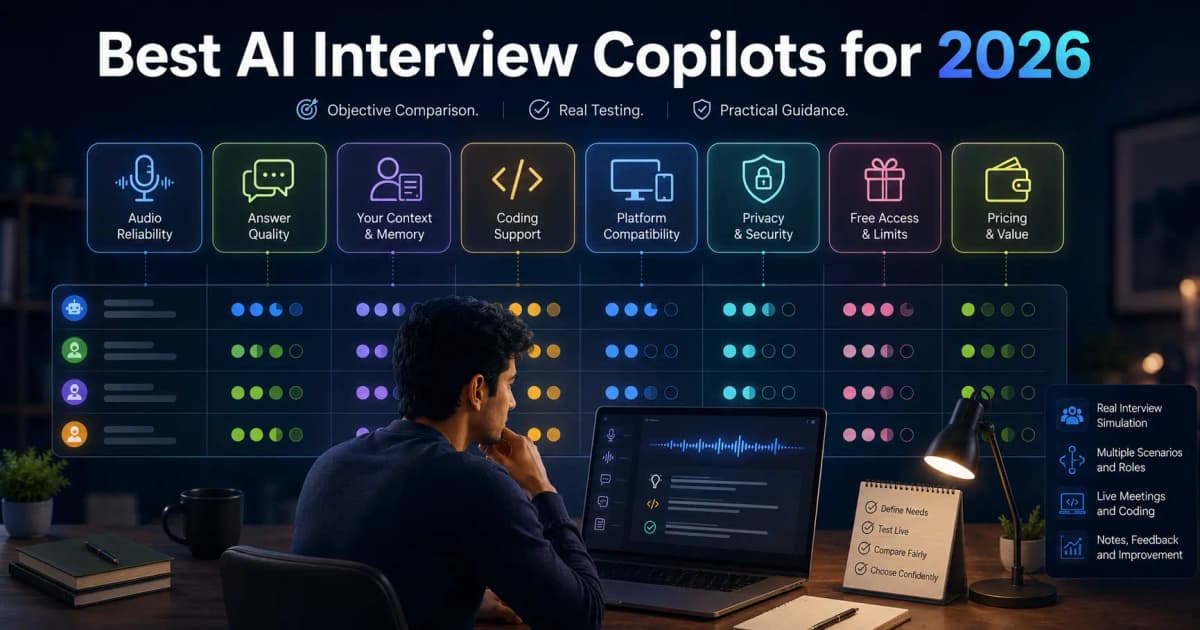

Best AI Interview Assistant for Windows 10 and 11: Checklist and Setup
Choose a Windows AI interview assistant by audio, screen analysis, layout, privacy and real cost, then set it up and test it before a real interview.
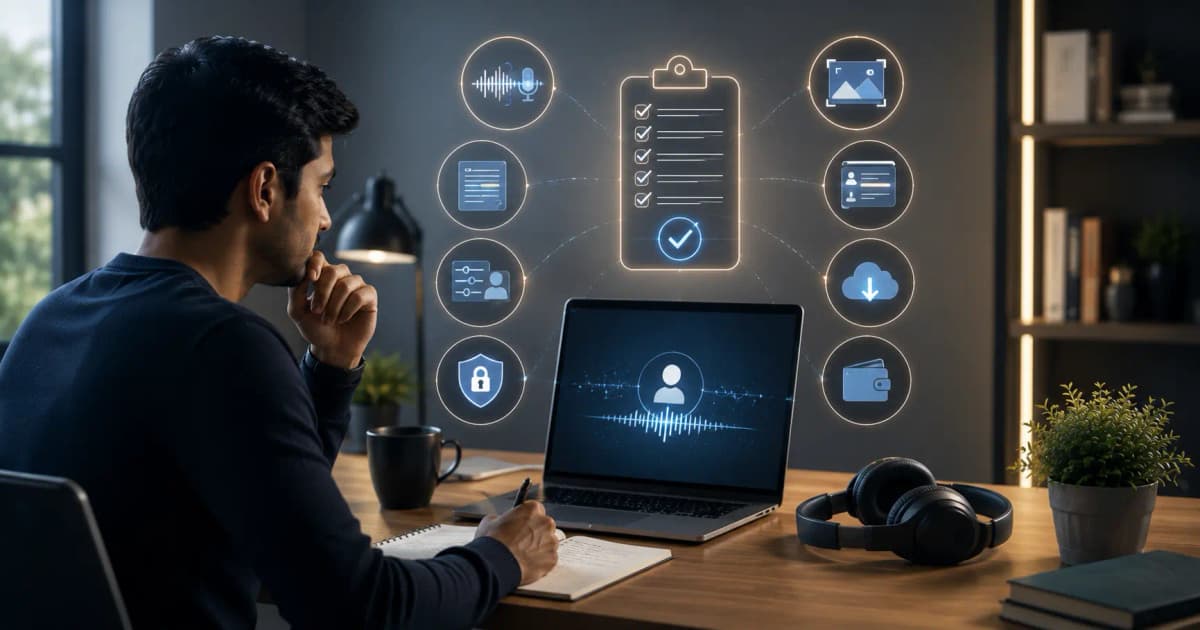
The best AI interview assistant for Windows is the one that passes your own tests: audio, meeting app, screen, layout, privacy and cost. InterviewGPT is built for Windows first. It combines live transcription, answers based on your resume, Analyze Screen for coding problems and diagrams, a free Invisible Browser, installer and portable builds, keyboard shortcuts, session history and a phone companion.
"Best" still depends on what you need. This guide gives you a scoring checklist for comparing InterviewGPT with other tools, then a setup routine to run before any real interview.
Windows shortlist criteria
Score each category from 0 to 2 after a private test:
| Category | 0 | 1 | 2 |
|---|---|---|---|
| System audio | Cannot capture | Inconsistent | Reliable in your meeting app |
| Transcript | Often unusable | Some errors | Readable, with key terms correct |
| Personalisation | Generic | Uses some context | Grounded in your real resume and role |
| Screen analysis | Unavailable or wrong | Partial | Reads a clean sample problem correctly |
| Layout | Unstable | Needs adjustment | Moves and restores consistently |
| Screen-share test | Untested | One mode tested | Every mode you use tested from a second device |
| Technical depth | Gives code only | Some reasoning | Approach, complexity, edge cases, trade-offs |
| Pricing | Unclear | Understandable | Fits your real interview calendar |
Don't award points for claims you didn't test.
Native Windows audio matters
Browser-only tools may need tab capture, extensions, virtual audio devices or meeting-specific setup. A Windows desktop app can work with system audio and native windows directly, but you still need to check which devices it hears.
Test the exact headset, meeting app and Windows output device you'll use. The system-audio transcription guide explains what to check before you judge answer quality.
Screen analysis and technical help
For coding and system design, check whether the tool can read a public sample problem from your screen and then explain its reasoning, not just print code. Look for constraints, the approach, time and space complexity, edge cases and how it handles a changed requirement.
In InterviewGPT, Analyze Screen (Ctrl+Shift+Enter) reads the coding problem, diagram or slide that is on your screen. Our coding and system-design guide has a full test script.
Layout stability on real Windows displays
Windows setups often mix display scaling, external monitors, snap layouts and different graphics drivers. A usable assistant stays readable when you move it between displays and open or close the transcript and answer panels.
Test:
- your real display scaling (100%, 125% or higher);
- one and two monitors;
- compact mode and the default toolbar;
- dragging, plus the move and nudge shortcuts;
- resizing only the answer panel;
- sleep, lock, minimise and restore;
- starting and stopping a screen share.
The keyboard shortcuts page lists every move, nudge and hide shortcut.
Privacy and screen sharing
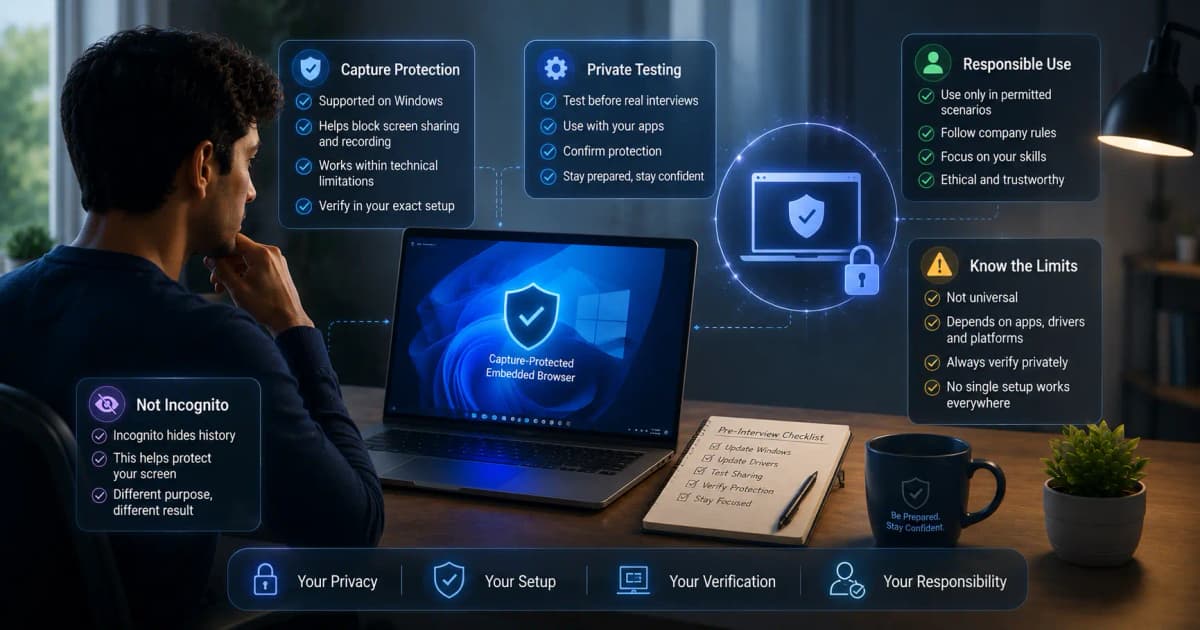
InterviewGPT asks Windows to exclude its windows from capture, so screen shares, window shares, recordings and screenshots show the desktop behind them on supported setups (Windows 10 version 2004 and later). Other vendors make similar claims, and all of them depend on your configuration.
Test a full-screen share, a window share and a recording from a second account before a real call. Follow the interview's rules: hiding a window is not permission to use help where it isn't allowed. Our guide to what interviewers can see on screen share covers each sharing mode.
Installer, portable and updates
InterviewGPT offers a Windows installer and a portable build. The installer is the normal choice for your own PC: it downloads updates in the background and installs them when you restart the app. The portable build runs without installing, which suits a PC where you can't install software; it also downloads updates, but you close the app and run the new file yourself. The download page compares the two.
Free test and real cost
InterviewGPT's free trial gives you 10-minute live sessions, up to 3 a day, with a 15-minute cooldown between them and no card needed. The Invisible Browser is free on its own and never uses credits.
Paid access is either credits or a time pass. One credit is one hour of live sessions, credits never expire, and sessions are billed in 30-minute blocks. Unlimited passes run for a week, a month or a year. Other tools charge by session, credit, response or subscription, so compare the final checkout price against the hours you will actually use. See current InterviewGPT pricing.
Set it up and test it before a real interview
Whichever tool you choose, run this routine on the same PC, monitors, headset, meeting app and network you'll use on the day.
1. Before you install
- Check the tool supports your Windows version. Screen-share exclusion needs Windows 10 version 2004 or later.
- Update the meeting app and audio drivers, then restart.
- Find out whether the interview runs in a browser tab or the Zoom, Teams or Webex desktop app.
- Check whether the employer allows assistance in this interview.
- Prepare a resume and job description without confidential details.
2. Audio
Select the same headset and microphone in Windows, the meeting app and the assistant. Run a private call and confirm the tool hears the other person, not only your microphone. Test echo, Bluetooth reconnects, a wired fallback, volume changes and mute.
If the transcript stays empty, check the selected output device, exclusive audio mode, app permissions and whether the meeting is playing sound at all.
3. The share-mode test
Join the call from a second account and record what the other side sees while you share:
- the entire screen;
- one application window;
- a browser tab.
Also check Alt+Tab, taskbar previews, notifications and a second monitor. If any mode shows something you didn't expect, change the setup or continue without the assistant.
4. Configure InterviewGPT
- Download the current Windows build and sign in.
- Add your resume, target role and any custom instructions, for example "Use Java for coding questions".
- Pick an answer style: full answer, answer plus key points, or key points only, at a length you can scan while you talk.
- Learn the shortcuts for an AI answer (Ctrl+Enter), Analyze Screen (Ctrl+Shift+Enter) and hide or show the app (Ctrl+Alt+H).
- Run five practice questions in a private call, including one interruption and one follow-up.
5. Stability and a fallback
Close heavy apps, keep the laptop plugged in and use stable internet. Turn off non-essential notifications, but don't disable security software. Keep the meeting link and your own notes outside the assistant.
If the app stops responding, stay in the interview and keep answering with a framework you know by heart:
- Behavioural: situation → task → action → result → what you learned.
- Coding: clarify → simple approach → optimise → implement → test.
- Design: requirements → estimates → architecture → deep dive → trade-offs.
Where InterviewGPT fits
InterviewGPT fits a Windows user who wants one desktop workflow: live answers from their resume, screen analysis, a free Invisible Browser, credits that never expire or a time pass, and a phone companion. It isn't the right tool if you need a native Mac app or a large mock-interview course.
InterviewGPT publishes this page. The recommendation rests on the checklist above, not on a lab benchmark or a paid ranking.
Make the decision in 30 minutes
- Install the current build.
- Add your real resume and role.
- Run one private question through system audio.
- Test Analyze Screen on one public practice problem.
- Move and restore the layout on your actual monitor.
- Check the other side's view of a screen share and a recording.
- Review the transcript and work out how many hours you'll need.
Choose only after the whole workflow passes.
Bottom line
InterviewGPT is a strong Windows-first choice because it is built around desktop interviews rather than a chat tab. The deciding evidence is your own private test.
Download InterviewGPT for Windows and keep the feature guide open while you test.
Sources and methodology
InterviewGPT's behaviour, shortcuts, update process and pricing were checked against its website, desktop app code and live plans on 6 October 2026. The screen-capture behaviour is described in Microsoft's SetWindowDisplayAffinity documentation. Vendor claims were not treated as independent benchmarks.