
InterviewGPT Features: Guide to the Windows AI Interview Assistant
Explore InterviewGPT features including live transcription, personalized answers, Screen Vision, technical help, mobile companion, history and exports.
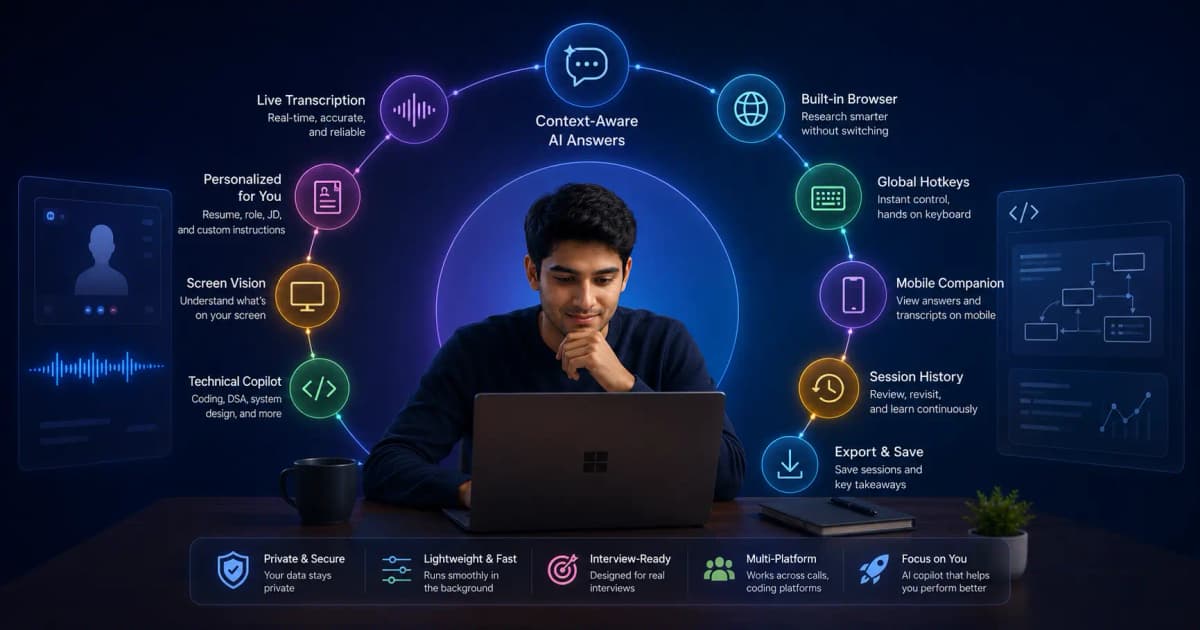
InterviewGPT is an AI interview assistant for Windows that gives real-time answers in interviews, meetings and sales calls, and stays invisible on screen share. It combines real-time transcription, answers based on your resume, screen analysis, keyboard shortcuts, session history and a phone companion. Its most distinctive free feature is an embedded Invisible Browser. Live AI help uses the free 10-minute sessions, hour credits or an Unlimited pass.
This guide explains what each feature does, where it is useful, and what to test before relying on it.
InterviewGPT at a glance
| Feature | What it does | A useful test |
|---|---|---|
| Live transcription | Converts system audio into readable interview text | Ask a question with names, numbers, and an accent |
| Smart answers | Produces contextual talking points from the current question | Compare a generic answer with one using your resume |
| Personalized Context | Uses resume, target role, company, and instructions | Add one true project and verify the answer stays accurate |
| Screen Vision | Captures and analyzes visible coding prompts, diagrams, or slides | Test a non-confidential sample problem |
| Technical interview help | Supports coding, DSA, complexity, edge cases, and system design | Ask for reasoning before code |
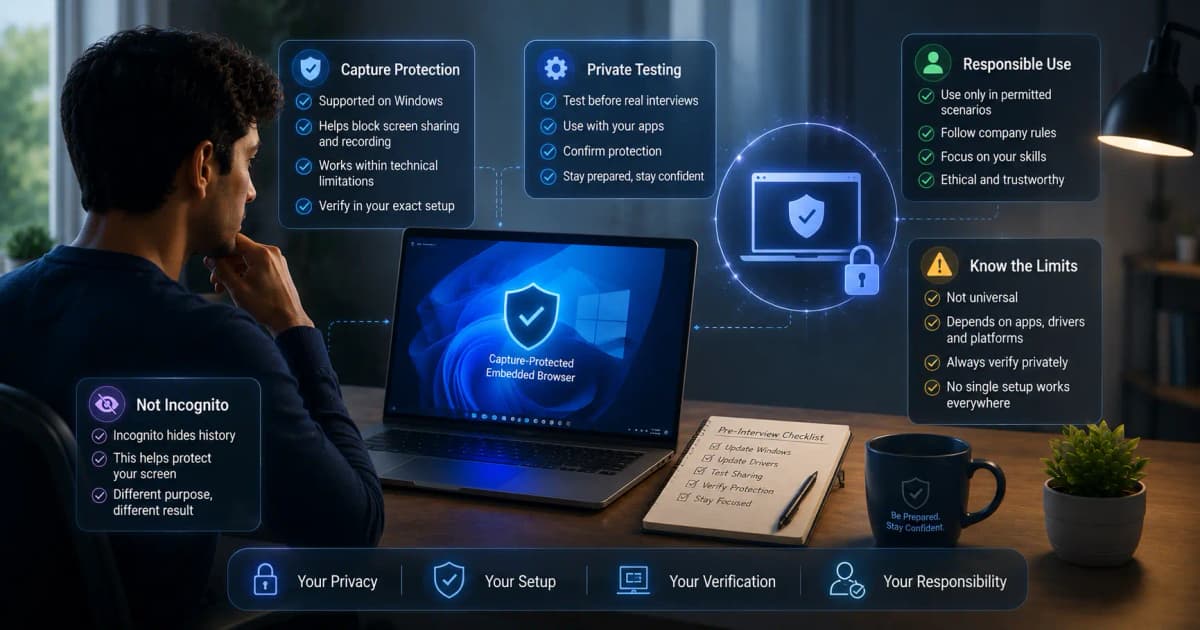
| Invisible Browser | Opens web resources in an embedded Windows browser | Run a private screen-share test on your setup |
| Mobile Companion | Mirrors session context and selected controls to a phone browser | Reconnect after briefly changing networks |
| History and Export | Saves permitted transcripts and suggestions for later review | Export one practice session and inspect completeness |
Live transcription and question capture
The desktop app listens to supported system audio and displays a live transcript. This reduces the need to remember a long multipart question while planning an answer. Transcription quality still depends on audio routing, background noise, connection quality, language selection, and how clearly participants speak.
A strong setup test contains a short behavioral question, a technical term, a number, and a follow-up. If the transcript repeatedly misses the same vocabulary, add that vocabulary to your preparation notes and fix the audio path before the interview. Read the detailed live interview transcription guide for a step-by-step checklist.
Personalized AI answers
Generic AI answers are easy to recognize because they contain broad claims without evidence. InterviewGPT can use a resume, target role, company name, and custom instructions to make suggestions more relevant. The candidate remains responsible for accuracy: never upload invented achievements or repeat a generated claim that is not true.
A practical context pack includes:
- the latest resume;
- the exact target role;
- three verified projects or achievements;
- preferred answer length and tone;
- important constraints, such as “do not invent metrics”;
- the job description when sharing it is permitted.
This context helps turn “I improved performance” into a structured reminder tied to a real project, decision, and measurable result.
Screen Vision and technical interviews
Screen Vision can capture visible material such as a coding problem, architecture diagram, or slide and send it for analysis. Technical interview help is designed to help organize an approach, identify constraints, discuss time and space complexity, consider edge cases, and explain system-design trade-offs.
The best workflow is explanation-first. Restate the problem, confirm assumptions, outline the approach, then code. Treat generated output as a draft to inspect—not an answer to paste without understanding. For allowed practice and open-resource scenarios, see the Screen Vision guide and coding and system-design guide.
Desktop layout, compact mode, and shortcuts
InterviewGPT uses separate interview surfaces for controls, transcription, and AI answers. The layout can be repositioned, the answer panel can be resized, and compact mode reduces header space. Keyboard shortcuts make common actions available without searching through menus.
Learn the shortcut set before a real call. Trying to memorize keys while listening to an interviewer adds unnecessary cognitive load. The public shortcut reference and the compact mode notes cover the safer practice sequence.
Mobile companion, history, and exports
The mobile companion lets a connected phone browser participate in the same desktop session workflow. It can display the transcript and answer timeline and can send supported session commands. It is a companion to the Windows session, not a replacement for a correctly configured desktop audio source.
After a practice interview, session history and transcript export make review more systematic. Look for unclear answers, repeated filler words, missing metrics, weak follow-ups, and questions that deserve a better example. Store exports carefully because interview text can contain personal or confidential information.
Free access and paid access are different
InterviewGPT’s Invisible Browser is marketed as a free manual browser feature. Live transcription and AI suggestions are free in 10-minute sessions, up to 3 a day with a 15-minute cooldown between them.
For longer sessions you buy hour credits, which never expire and are billed in 30-minute blocks, or an Unlimited pass for a week, a month or a year. See current pricing for the plans.
Who is InterviewGPT best suited for?
InterviewGPT is most relevant to Windows 10 or 11 users who want one desktop workflow for behavioral, technical, coding, and system-design conversations. It can also fit candidates who prefer hour credits that never expire over a recurring subscription or who want to test a free embedded browser separately from live AI access.
It is not a substitute for preparation, factual knowledge, interview permission, or a private setup test. Follow employer and assessment rules, obtain consent where needed, and never assume every capture method behaves identically.
Start with a controlled practice session
Before an important interview:
- Download InterviewGPT using the installer or portable build.
- Add accurate resume and role context.
- Select the correct transcription language and audio path.
- Test one behavioral and one technical question.
- Verify screen sharing from a second account.
- Review the saved session and improve the context pack.
That short rehearsal tells you more than a long feature list. For plan details, use the InterviewGPT pricing page.
Sources
Feature and plan descriptions were checked against the InterviewGPT homepage, terms, privacy policy, desktop codebase, and public shortcut reference on July 19, 2026. Product behavior and limits can change with app releases or administrator settings.