
Is InterviewGPT Safe and Legit? Download, Privacy and Refunds
What to check before installing InterviewGPT: the official download, SmartScreen warnings, data it keeps and doesn't, payments and the refund policy.
Yes, InterviewGPT is a real, paid Windows app sold at interviewgpt.in, with a free tier you can test before paying. Payments in India go through Razorpay (UPI, cards, netbanking). Any purchase is fully refundable within 7 days if none of its credits were used. The privacy policy says it doesn't collect audio or screen recordings. Download it only from interviewgpt.in/download.
This page answers the questions people ask before installing: is the download safe, why Windows shows a SmartScreen warning, what data the app keeps, how payments and refunds work, and what the app can't do. Everything here comes from InterviewGPT's published policies; the trust and transparency page lists the services the product uses and how its claims are scoped.
Quick trust check
| Question | Answer | Where it's stated |
|---|---|---|
| Who sells it? | InterviewGPT, at interviewgpt.in; support at support@interviewgpt.in, with a reply within 48 hours | About, Privacy Policy |
| Can I try it free? | Yes: 10-minute live sessions, up to 3 a day; the Invisible Browser and ATS checker are free | Pricing section |
| How do I pay? | Razorpay in India (UPI, cards, netbanking); card processing by PCI-compliant third parties | Privacy Policy |
| Can I get a refund? | Full refund within 7 days if no credits from that purchase were used | Refund Policy |
| Does it record my calls? | The privacy policy lists audio recordings and screen recordings under "We Do NOT Collect"; transcripts and AI suggestions are saved to your session history | Privacy Policy |
| Can I delete my data? | Yes; data is deleted within 30 days of a request (tax records are kept as the law requires) | Privacy Policy |
| Does it sell my data? | The privacy policy says it does not sell personal data | Privacy Policy |
| Which platforms? | Windows only; there is no macOS or Linux build | About |
Is the InterviewGPT download safe?
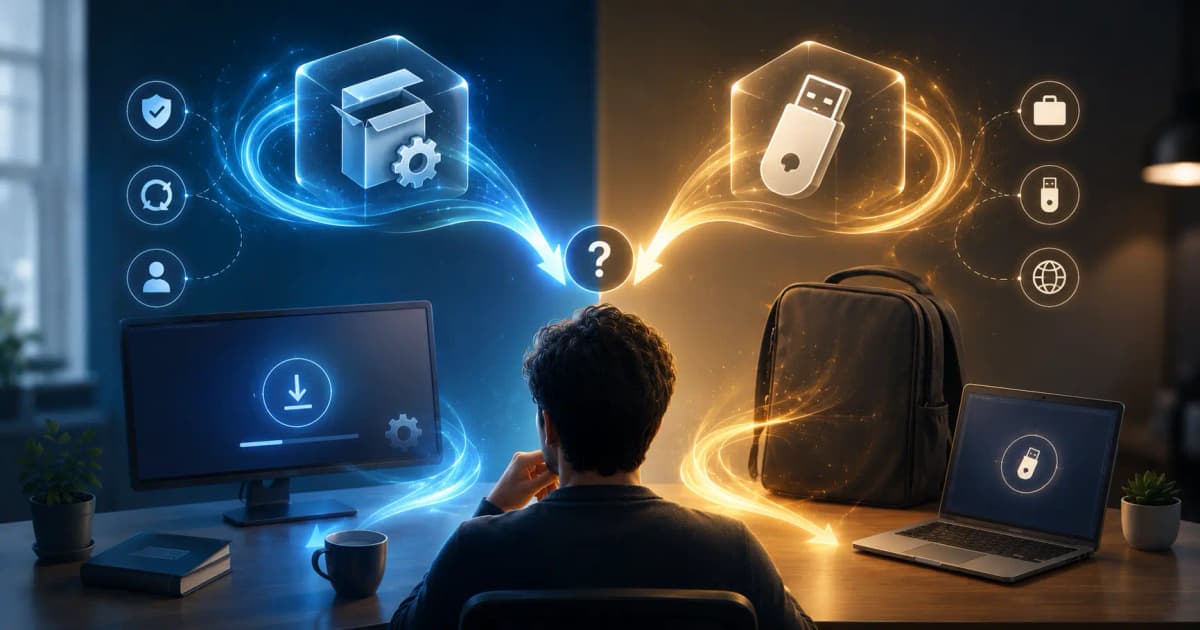
Download only from interviewgpt.in/download. The current release is version 3.6.8, about 117 MB, in two forms: an installer that updates itself, and a portable version that runs without installing. Our guide to portable vs installer explains which to pick.
When you run it for the first time, Windows may show "Windows protected your PC". That is Microsoft Defender SmartScreen, and it appears for many smaller apps. Microsoft's documentation explains that SmartScreen checks downloaded files against "a list of files that are well known and downloaded frequently. If the file isn't on that list, Microsoft Defender SmartScreen shows a warning, advising caution." In other words, the warning is about how widely a file has been downloaded, not a finding of malware. If you downloaded the file from interviewgpt.in, click More info, then Run anyway.
If you want an independent check before running it, you can upload the installer to VirusTotal, which says it inspects files "with over 70 antivirus scanners". Keep in mind that VirusTotal shares scan reports with its public community, which is fine for a public installer but not for private documents. Windows Security's own scan (right-click the file, then Scan with Microsoft Defender) is another quick option.
| Check | What a genuine download looks like |
|---|---|
| Source | The link on interviewgpt.in/download, not a file shared in a chat group or a mirror site |
| Size | About 117 MB for the current version |
| Price | The app is free to download; you pay only for live-session credits or passes on interviewgpt.in |
| Contact | Support comes from support@interviewgpt.in |
Be careful with "cracked" or "premium unlocked" versions shared on Telegram or file-sharing sites. They aren't from InterviewGPT and can contain anything.
What data does InterviewGPT keep?
According to the privacy policy, InterviewGPT keeps your account details, basic app diagnostics such as app version and operating system, and the conversation transcripts and AI suggestions that are saved to your session history so you can review them later. It lists audio recordings and screen recordings under "We Do NOT Collect". Transmissions are encrypted with SSL/TLS, passwords are hashed, and account data is deleted within 30 days of a deletion request.
Some work is done by named services. The trust page lists Deepgram for live speech-to-text and Vercel AI Gateway for routing AI answer requests. The policy also lists analytics services for the website. If you want to review past sessions, our guide to transcript history and export shows what's saved.
Payments and refunds
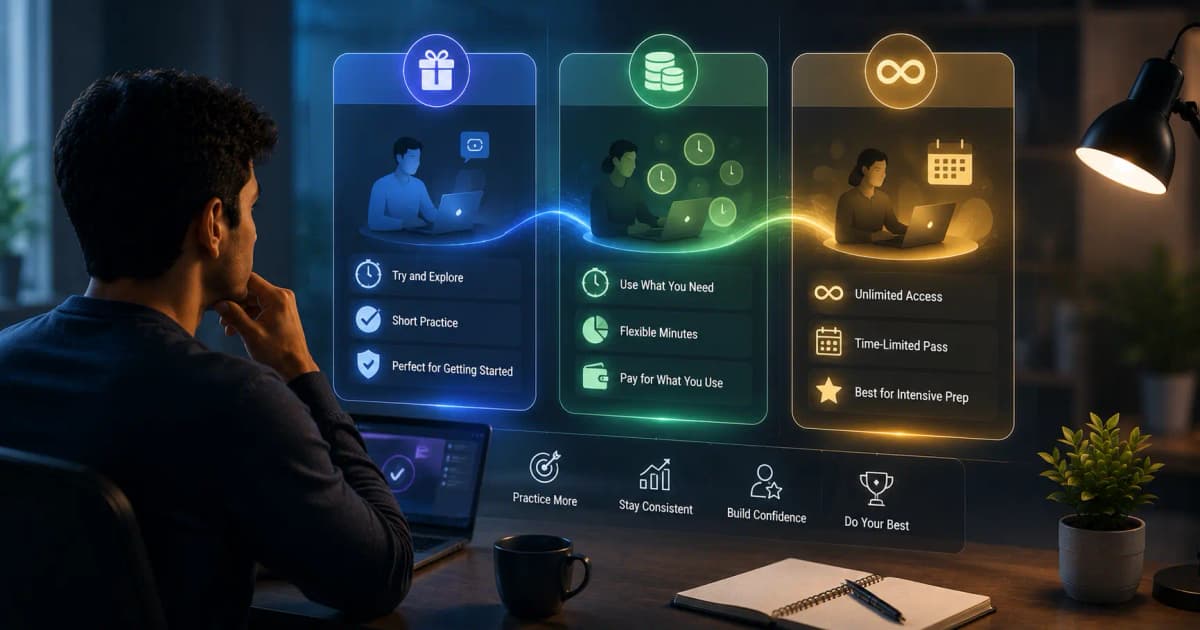
In India, InterviewGPT takes payments through Razorpay, so you can pay by UPI, card or netbanking. You buy hour credits (from ₹999 for one hour) or time passes (from ₹3,999 for a week of unlimited sessions). Credits never expire, and sessions are billed in 30-minute blocks.
The refund policy is short and specific:
| Situation | Outcome |
|---|---|
| No credits from the purchase used, request within 7 days | Full refund |
| Any credit from the purchase used, or request after 7 days | Not refundable; partial refunds for remaining credits aren't issued |
| Server fault or critical error during your session | Credit compensation |
| Duplicate or incorrect charge | Credit compensation for the billing error |
| Unhappy with AI answers, no job offer, or your own internet failing | Not covered |
Refunds are limited to one per person. The simplest way to avoid needing one is to test the free 10-minute sessions on your own setup first. Full price details are in our InterviewGPT pricing guide.
Does it really stay off screen share?
On supported Windows 10 and 11 setups, InterviewGPT asks Windows to exclude its window from capture, so screen shares, recordings and screenshots receive the desktop behind it. The trust page is careful to say capture behaviour can vary with Windows version, graphics configuration, meeting software and capture mode, and the about page notes that the app tells you if your Windows build doesn't support it. Run a private test call before relying on it; our guide to what interviewers can see on screen share shows how.
Is it okay to use?
InterviewGPT's about page says it is built for conversations where AI assistance is permitted, such as mock interviews, practice, sales calls and meetings, and asks users to check the rules first. If a company, school or the person on the call says no, respect it. Employers, universities and assessment providers can also email support@interviewgpt.in to have their domain or hiring process blocked, and InterviewGPT says it honours those requests. For a wider look at the question, read AI interview tools, screen sharing, privacy and ethics.
What InterviewGPT doesn't do
- It doesn't run on macOS or Linux.
- It doesn't guarantee job offers; the terms state that AI suggestions may not always be accurate.
- It can't hide your camera, your voice or a second device.
- It doesn't give unlimited free live sessions; free use is 10-minute sessions, up to 3 a day.
Quick answers
Is InterviewGPT the same as other sites with similar names?
This page covers only InterviewGPT at interviewgpt.in, the Windows AI interview assistant. If a site or app with a similar name asks you to pay, check that the address is interviewgpt.in before entering any details.
Why did my antivirus flag the file?
Newer apps with fewer downloads often get reputation warnings. Make sure the file came from interviewgpt.in/download, scan it, and if a scanner still flags it, email support@interviewgpt.in with the file name and the warning text.
Can I delete my account?
Yes. Email support@interviewgpt.in from your registered address. The privacy policy commits to deleting account data within 30 days of a request.
The best way to judge it is on your own computer. Download InterviewGPT for Windows, run a free 10-minute session on a private test call, and decide before you spend anything.