
AI Interview Tools: Privacy, Employer Rules and Ethics
Use AI interview tools responsibly: employer and assessment rules, consent, what data is captured, a responsible dry run and where honest help ends.

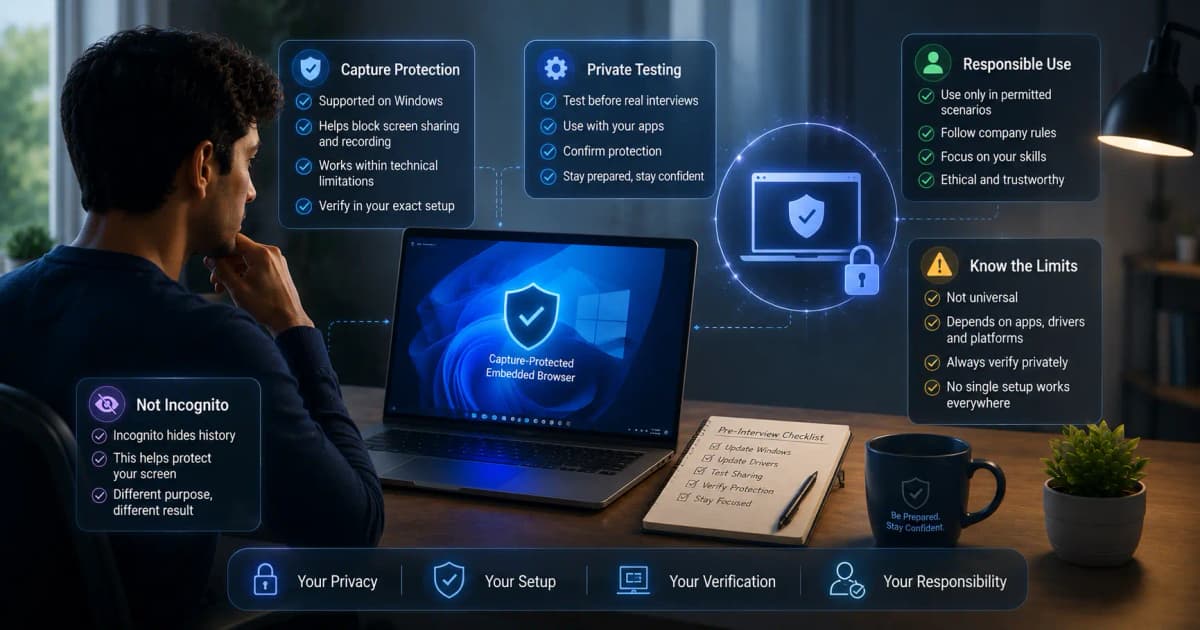
Responsible use starts with three questions: Is assistance permitted? What data is captured? Have you tested what others can see? A tool's screen-share design does not override an employer's rules, guarantee invisibility, or make fabricated experience acceptable.
Screen sharing: what "hidden" can and cannot mean
Some desktop apps ask the operating system to leave their window out of screen captures. The result still depends on your Windows version, meeting app, graphics driver and whether you share the whole screen, one window or a tab, and no software hides your eyes, your voice or a second device. Our guide to what interviewers can see when you share your screen explains each sharing mode and gives a five-minute private test.
Consent and interview policy
Companies and assessment providers may prohibit external assistance, recording, screenshots, or AI. Follow the written instructions and ask the recruiter when rules are unclear. A coding test labeled closed-book is different from a conversational interview where notes are allowed.
Never use a hidden interface to bypass an explicit rule. The sustainable use of AI is preparation, structure, accessibility, and reminders grounded in your own experience.
Data checklist
Before uploading a resume or starting transcription, read the current privacy policy and answer:
- Is audio streamed, stored, or discarded?
- Are transcripts and screenshots retained?
- Can you delete history and account data?
- Is data used to train models?
- Which processors or model providers receive it?
- Where is data processed?
- Does a mobile companion create another copy?
Do not upload confidential employer code, customer records, restricted interview questions, or personal data that is unnecessary for the answer.
Authenticity boundary
Safe assistance can remind you of a real STAR structure, identify missing evidence, or summarize a technical approach you understand. Unsafe assistance invents metrics, projects, qualifications, or decisions. The candidate remains responsible for every statement.
Use this prompt before a practice session: “Use only facts in my resume and notes. If evidence is missing, ask me a question or mark a placeholder; never invent an achievement.”
InterviewGPT-specific guidance
InterviewGPT asks Windows to exclude its windows, including the free Invisible Browser, from screen capture on supported setups, so test it with your exact meeting app and sharing mode. Live audio is streamed to Deepgram for transcription and isn't stored by InterviewGPT; your transcripts are saved to your session history. The Invisible Browser is free and never uses credits. Read the privacy policy, the terms and current pricing before you use it.
A responsible dry run
- Review the interview's assistance and recording rules.
- Remove confidential content from documents and desktop.
- Configure only accurate resume/job context.
- Test audio and every sharing mode you use with a second participant.
- Ask the tool follow-ups designed to catch invented facts.
- Confirm history/export/delete behavior.
- Practice a complete no-tool answer.
Bottom line
Stealth is a technical implementation detail, not ethical permission. Privacy requires minimizing data and understanding retention, while authentic use requires speaking from real experience. Candidates who follow rules, test their setup, and maintain a fallback can use AI more safely and credibly.
Read the Windows setup checklist, learn how a live AI interview assistant works, or download InterviewGPT for a private test.