
Real-Time AI Interview Assistants: How They Work
Understand the live interview-assistant pipeline—from audio and transcription to context, answer generation, controls, privacy and testing.
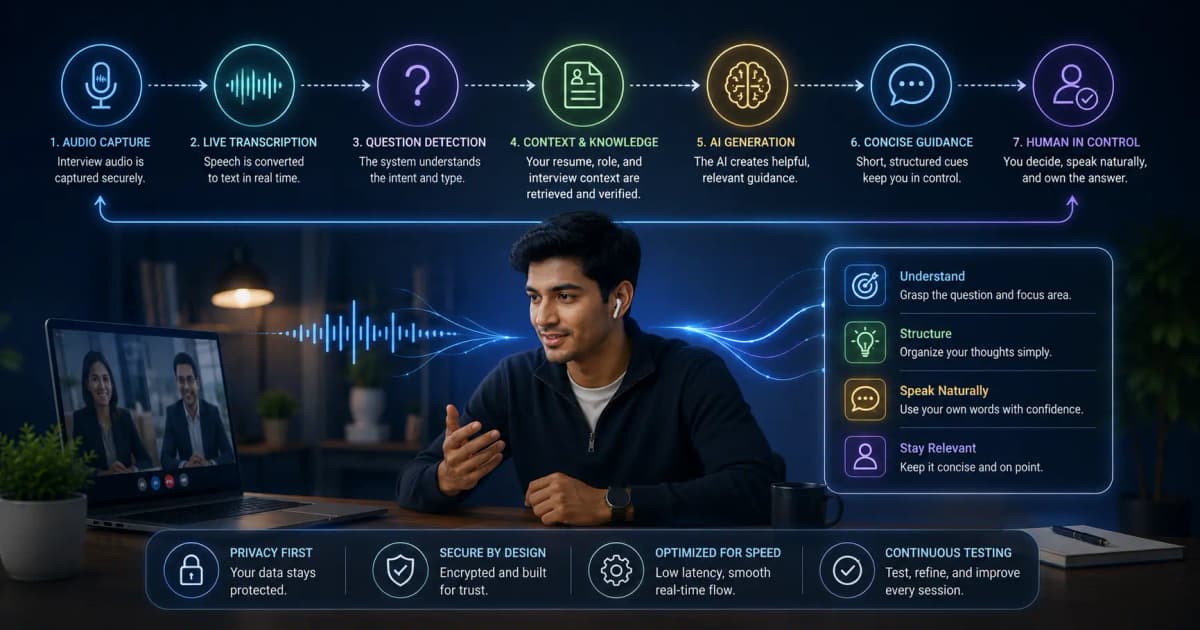
A real-time AI interview assistant is a pipeline, not a magic answer box. It captures audio, transcribes speech, combines the question with candidate/job context, generates suggestions, and renders them in a glanceable interface. Quality depends on every stage; a powerful model cannot fix bad audio or incorrect resume context.
The pipeline
1. Audio capture
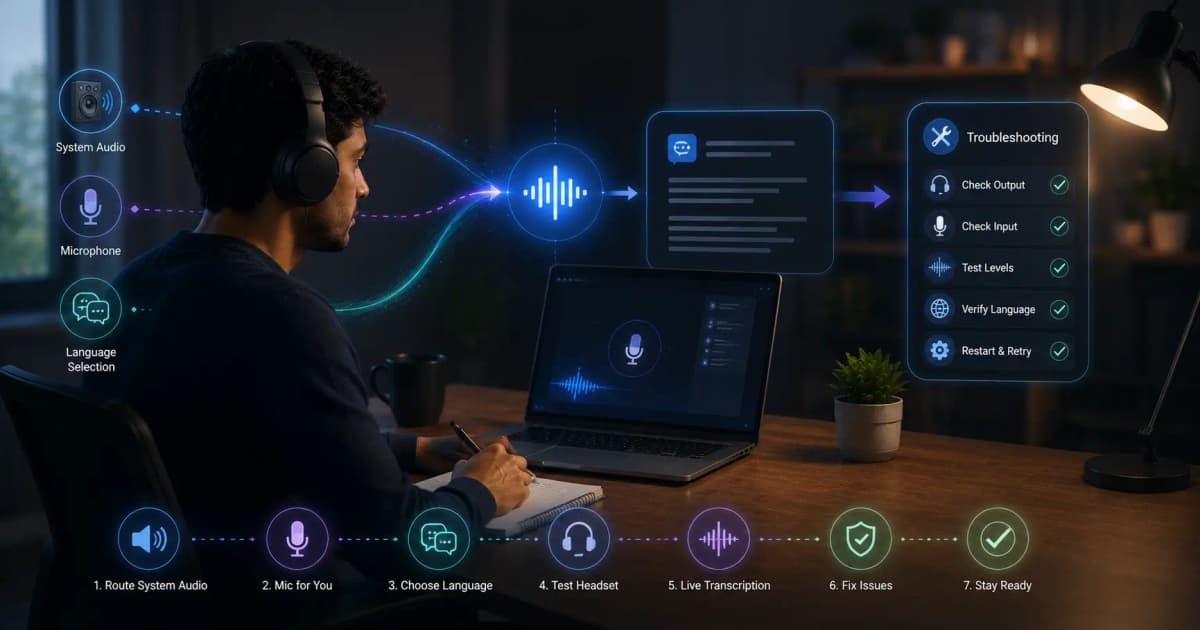
The app listens to system audio, microphone input, or both. Headset routing, OS permission, meeting software, and echo cancellation determine what reaches the tool.
2. Streaming transcription
Speech becomes partial text. Technical names, mixed languages, accents, crosstalk, and background noise can create errors. Good products let the model use context to recover without hiding the raw transcript.
3. Question detection
The system distinguishes an actionable question from greetings, explanation, or follow-up. Some products answer automatically; others use a shortcut. Automatic behavior reduces clicks but can surface unwanted answers.
4. Context assembly
The assistant combines recent transcript, resume, target role, job description, custom instructions, and selected screen content. Irrelevant or inaccurate input creates confident but unusable output.
5. Generation
The model produces structure, evidence prompts, code, or an explanation. The ideal answer is short enough to scan and grounded in information the candidate can honestly defend.
6. Interface and controls
Desktop overlays, panels, mobile companion views, shortcuts, scrolling, and answer length controls shape real-world usability. A 500-word response delivered quickly can still be poor live assistance.
What causes delay?
Latency comes from audio buffering, network transport, speech recognition, question detection, model inference, and rendering. Vendors may advertise one component's speed. Test end-to-end time from the interviewer's final word to the first useful bullet on your actual connection.
What InterviewGPT adds
InterviewGPT combines live transcription, general and coding modes, resume/role context, screen capture, shortcuts, history/export, a mobile companion, and an embedded Invisible Browser in its Windows app. Its free browser is separate from the configured free live-AI allowance and paid minutes/passes.
A safe setup test
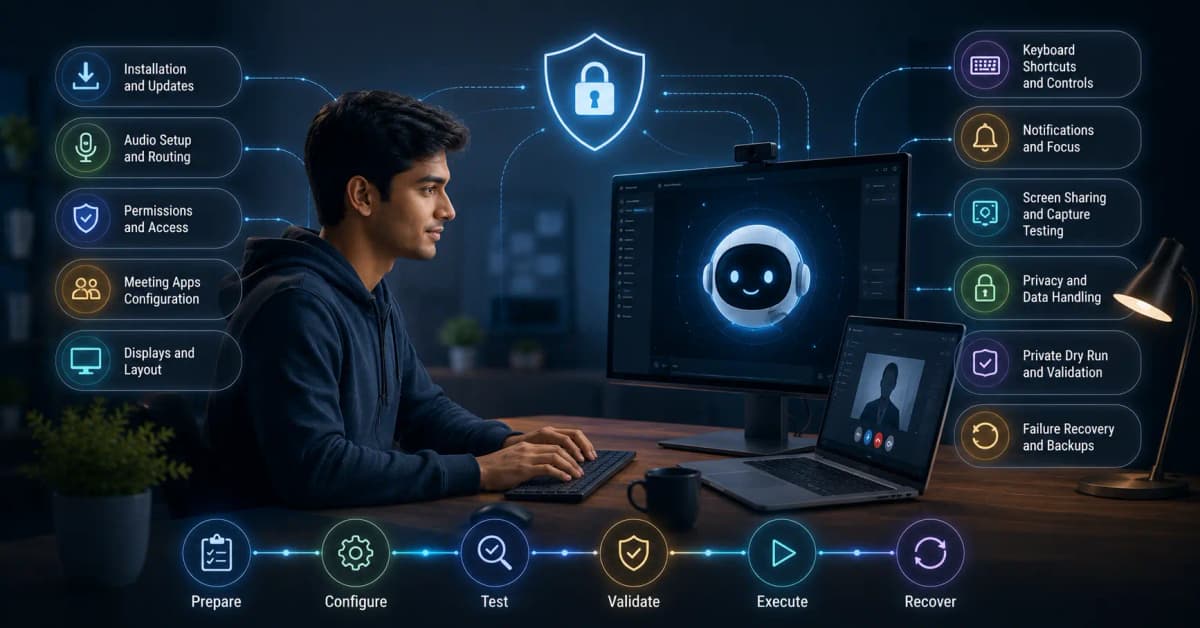
- Install and grant only required permissions.
- Select the real headset and meeting app.
- Load sanitized, accurate resume/job context.
- Join a private call from a second account.
- Ask five realistic questions with interruptions and follow-ups.
- Test full-screen, window, tab, and region sharing.
- Review output for invented details and transcript errors.
- Practice continuing without the assistant.
Privacy and authentic use
Read privacy/retention terms before uploading documents. Do not capture confidential code or other participants without permission. Follow employer and assessment rules. Use generated text as talking-point support, not a fabricated story or substitute for role knowledge.
How to evaluate a product
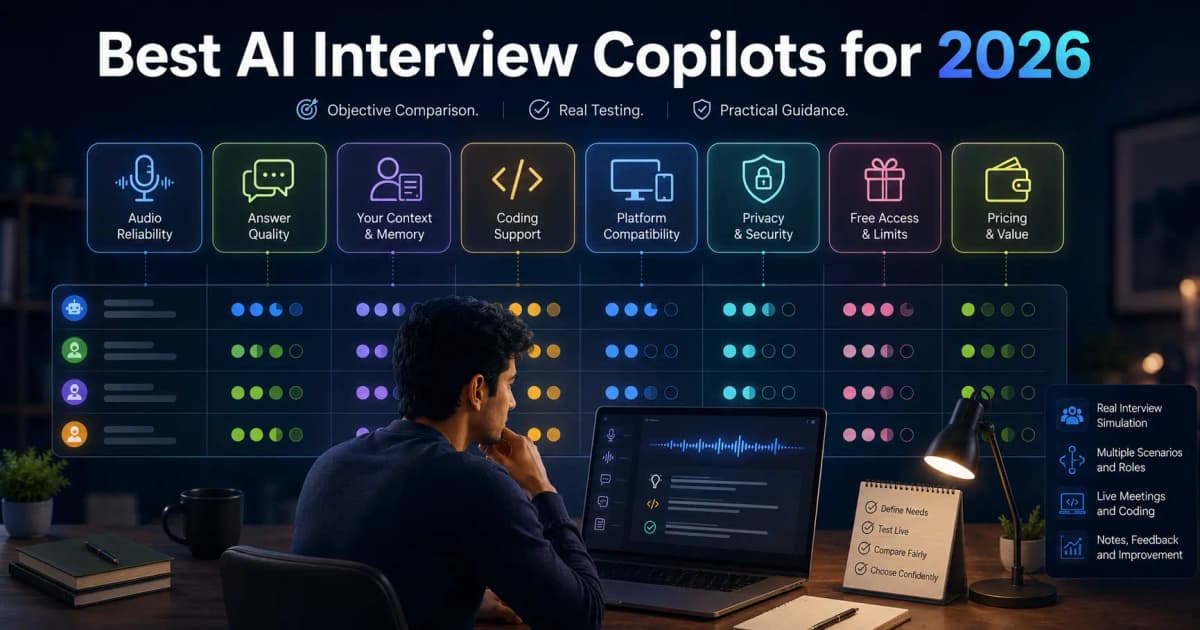
Score the pipeline rather than the marketing page: audio success, transcript accuracy on your content, useful-answer time, scanability, context fidelity, follow-up handling, failure recovery, and final cost. Compare options in the best copilot guide.
Final takeaway
Real-time assistants work best when the candidate has prepared authentic examples and treats the tool as a memory and structure aid. Start with a dry run, keep output concise, and maintain a no-tool fallback. See current InterviewGPT access or download the app.