

Best Free AI Interview Assistants: Limits and Trade-offs
Compare free AI interview tools by live minutes, practice, browser access, privacy, reset rules and what you can realistically test.
The best free interview tool depends on what you need to test. Free mock practice helps you build answers. A live-copilot trial checks audio and real-time suggestions. A free embedded browser gives manual access during a Windows workflow. These offers are useful, but they are not interchangeable.
Four types of free access
- Unlimited practice: repeat mock questions or use a general AI chat within its current limits.
- Short live trial: test transcription and suggestions for a fixed number of minutes.
- Daily/reset allowance: use short sessions again after a cooldown or daily reset.
- Free companion feature: use a browser or utility while live AI minutes remain separate.
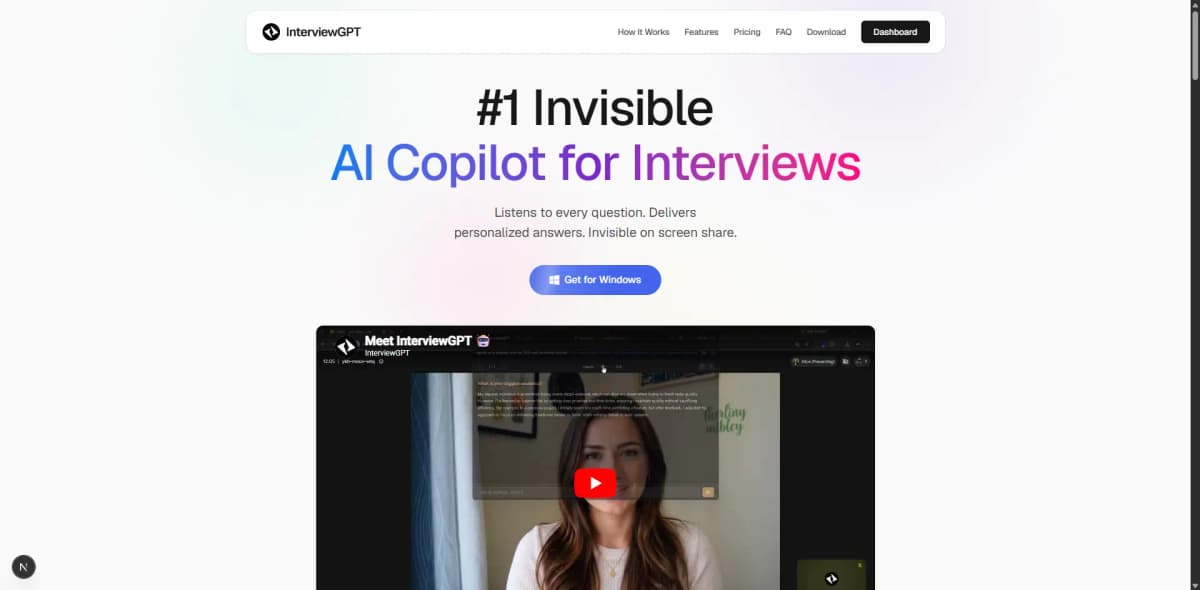
InterviewGPT belongs to the last two categories: it has a configured free live-AI allowance and a free Invisible Browser. At the audit date the site showed a 10-minute session, three uses per day, and a 15-minute cooldown. Check current pricing because settings can change.
Free options worth evaluating
- InterviewGPT: Windows app, live trial allowance, and free embedded Invisible Browser.
- Parakeet AI: official page currently advertises ten calls up to ten minutes with a reset.
- LockedIn AI: official support currently advertises signup credits.
- Chiku AI: official terms describe a short free allowance and reset.
- Verve AI: published free plan includes starter copilot sessions and mock interviews.
- Sensei AI: published free tier includes 15-minute copilot sessions.
- Google practice tools: historically provide private answer practice and feedback; verify the current Interview Warmup/Gemini destination because Google's flow can change.
This list is published by InterviewGPT. It describes free entry, not a claim that every feature is free or that one product is universally best.
The ten-minute trial script
Prepare your resume and a target job description, then ask:
- “Tell me about yourself.”
- “Describe a conflict and what you personally did.”
- “Why this role?”
- A technical question specific to the job.
- “What would you change if you repeated that project?”
Record transcription errors, time to a useful suggestion, invented details, scanability, and whether the session ended or billed as expected. Repeat with your real headset and meeting app.
Limits are not automatically bad
A short trial protects infrastructure and can be enough to test compatibility. The problem is unclear wording. A good pricing page should explain duration, daily count, reset/cooldown, included modes, card requirement, and what happens after the limit.
Avoid creating multiple accounts or bypassing limits. If the trial proves useful, compare a small non-expiring pack with a subscription or unlimited pass using the pricing-model guide.
Privacy and interview rules
“Free” can still involve data processing. Read privacy and deletion terms, avoid confidential material, and follow the interviewer's AI policy. A product designed to stay out of common screen captures is not a guarantee and should not be used to bypass an explicit rule.
Verdict
For practice, choose a tool that lets you repeat and review authentic answers. For live support, choose a trial that tests your exact audio and platform. For manual Windows browsing, InterviewGPT's free Invisible Browser is the differentiated option. The best free result is a confident workflow you have tested—not the highest unverified minute count.
Compare AI interview assistant alternatives, read the AI assistant vs ChatGPT guide, or download InterviewGPT.