

Is InterviewGPT Free? Free Plan, Limits, and Invisible Browser Explained
Learn what InterviewGPT offers for free, how live AI limits differ from the free Invisible Browser, and when credits or an unlimited pass make sense.
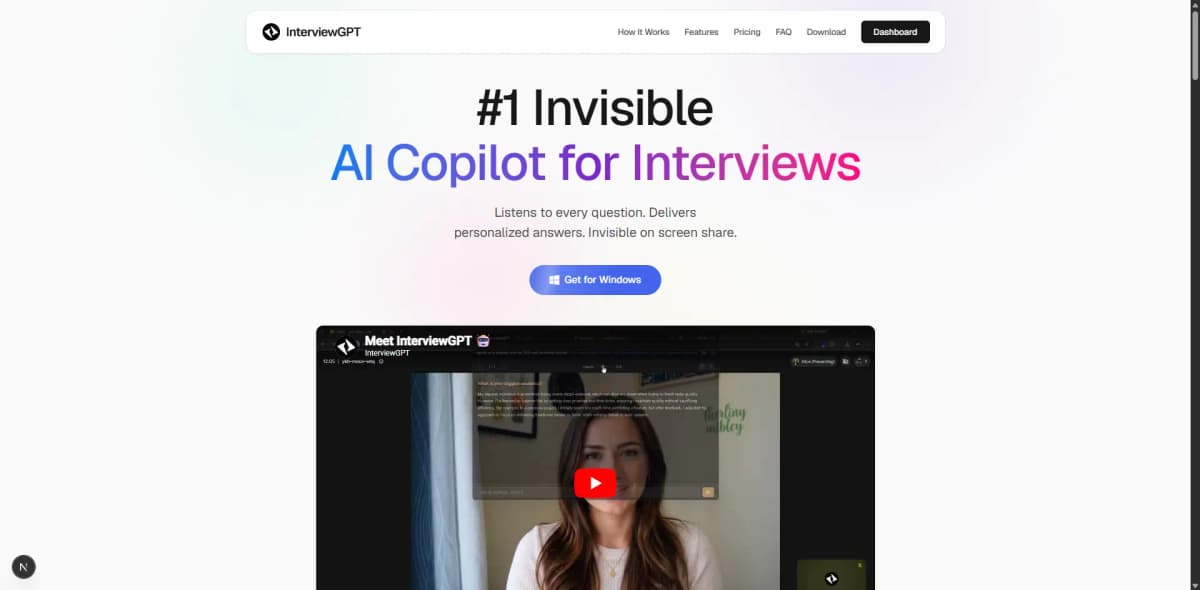
Yes, InterviewGPT has a free entry point, but “free” describes two different things. The Invisible Browser is a free manual embedded-browser feature. Live transcription and AI answer generation use a configurable free-session allowance; after that, candidates can use paid wallet minutes or a valid unlimited pass. It is inaccurate to describe all live AI interviews as permanently free and unlimited.
What the free plan included at the latest audit
On July 19, 2026, the public InterviewGPT pricing section displayed:
- ₹0 entry price;
- one 10-minute live AI session allowance;
- up to three free uses per day;
- a 15-minute cooldown;
- no credit card requirement;
- access to the free Invisible Browser.
These values are dynamic. They may change without this article being republished, so confirm the live pricing section before starting a time-sensitive interview.
Free Invisible Browser versus free live AI
The distinction is simple:
| Capability | What “free” means |
|---|---|
| Invisible Browser | Manual embedded browser access is included in the free offering |
| Live transcription | Available during the configured free AI session allowance |
| AI answer guidance | Available during the configured free allowance, paid minutes, or an active pass |
| Screen analysis | Uses live session resources and should be tested inside the current allowance |
| Paid credit minutes | Purchased balance under the current plan rules |
| Unlimited pass | Live access during a purchased validity window, subject to current terms |
This matters because a browser tab and a live AI session consume different resources. The browser can help you open permitted notes or public documentation manually. Live AI requires audio processing, transcription, context handling, and model responses.
What can you test in ten minutes?
A short free session is enough for a compatibility check if you use it deliberately. Prepare the test before activating the timer:
- Join a private Zoom, Meet, or Teams call from two accounts.
- Confirm the correct system-audio and microphone devices.
- Ask one 30-second behavioral question.
- Ask one role-specific follow-up containing a number or technical term.
- Verify that your resume context changes the suggested answer.
- If relevant, capture a harmless sample coding prompt with Screen Vision.
- End the session and inspect history or export behavior.
Do not spend most of the allowance installing updates or finding audio settings. Complete setup first, then start the session.
When the free plan may be enough
The free entry is useful when you want to:
- check whether system audio is captured on your Windows setup;
- inspect the interface and text readability;
- compare generic and resume-aware suggestions;
- test a supported language;
- learn the keyboard controls;
- evaluate the Invisible Browser separately;
- decide whether a paid plan is worth considering.
It is not designed to promise unlimited live coverage for a multi-round interview loop.
Credits or unlimited pass: which comes next?
Choose based on your calendar rather than the biggest headline allowance.
Credit minutes can suit candidates with a small number of interviews spread across several months. The current InterviewGPT terms and pricing describe purchased wallet minutes as non-expiring. Always confirm that condition at checkout.
Unlimited passes can suit a concentrated recruiting period with several interviews and practice sessions inside a known window. “Unlimited” applies during the pass validity period and remains subject to current service terms and fair-use controls.
Estimate your requirement with:
required minutes = live interviews + setup tests + practice + contingency
Add at least 20% contingency for calls that start late, follow-up rounds, or technical discussions.
How InterviewGPT compares with other free entries
Free AI interview offers are not standardized. At the latest official-page review, competitors used different units: LockedIn AI described signup credits, Chiku AI described a short free tier, Parakeet described recurring trial calls, Verve listed three 15-minute sessions, and Sensei listed free 15-minute copilot sessions. Plans can change, and a “session,” “credit,” and “minute” are not interchangeable.
Compare what you can actually test:
- live or practice-only access;
- session duration and reset rules;
- resume and job-description context;
- coding or screen analysis;
- supported operating systems;
- whether a card is required;
- what happens to history after the trial.
See the broader free AI interview assistant comparison for the category-level framework.
Avoid these common assumptions
- “Free means no usage limit.” Most live AI products meter time, sessions, or responses.
- “Invisible Browser means private browsing.” It is an embedded screen-capture workflow, not incognito mode.
- “A free test guarantees interview compatibility.” Meeting-app updates and capture modes can behave differently.
- “Unlimited means forever.” A pass normally has a purchased validity period.
- “The AI answer is automatically accurate.” Verify every claim against your real experience.
Bottom line
InterviewGPT is free to try, and its Invisible Browser is included as a free manual feature. The live AI copilot has a separate configurable allowance, followed by credit or pass options. That model lets you test the app without a card while keeping the claim clear and measurable.
Download InterviewGPT, finish setup before activating the free session, and check the current plan details on the same day you use it.
Sources
InterviewGPT plan details were verified on the official homepage and terms on July 19, 2026. Competitor free-entry formats were checked on official LockedIn AI, Chiku AI, Parakeet AI, Verve AI, and Sensei AI pages. Vendor plans can change.