
InterviewGPT Portable vs Installer: Which Windows Download Should You Use?
Compare InterviewGPT's Windows installer and portable build by setup, updates, permissions, shortcuts, troubleshooting and best use case.
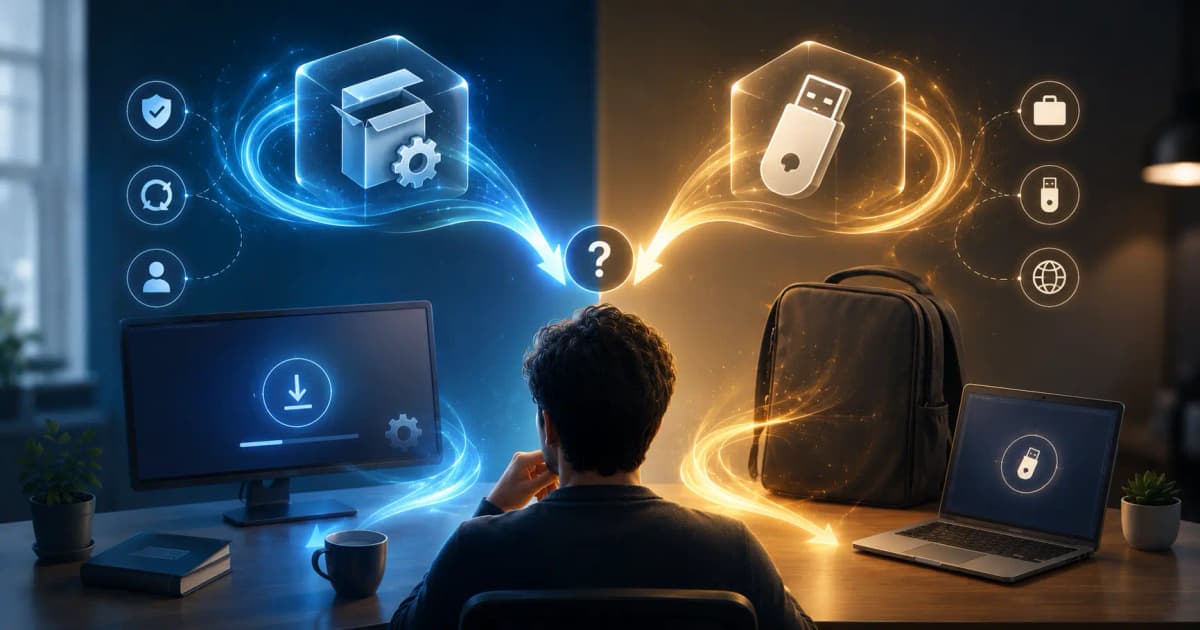
Choose the InterviewGPT installer for a normal personal Windows setup with standard shortcuts and app management. Choose the portable build when you need a self-contained copy that runs without a full installation in a location where you have permission to use it. Both should be downloaded only from the official InterviewGPT page or verified release source.
Quick comparison
| Question | Installer | Portable |
|---|---|---|
| Full installation required? | Yes | No full install |
| Best for | Regular use on a personal PC | Temporary or self-contained use |
| Shortcuts/app management | Standard Windows integration | Launch from its extracted location |
| Updating | Installed update workflow | Manual/portable update workflow |
| Moving the app files | Not recommended | Designed to remain self-contained |
| Default recommendation | Yes for most users | Only when portability is specifically useful |
The exact packaging and update behavior can evolve. Read the current download-page instructions before installing.
Why the installer is the normal choice
The installer provides the expected Windows application lifecycle. It places the app in a managed location, creates normal shortcuts, and supports the standard update mode. This reduces uncertainty about which executable is current.
Use it when:
- the computer is yours;
- you have permission to install software;
- you expect to use InterviewGPT regularly;
- you want simpler update handling;
- you prefer normal app removal and shortcuts.
When portable is useful
The portable build can be helpful when you want to keep the application in one permitted folder or do not want a full installer flow. It does not bypass Windows security, organizational policy, or required permissions. “Portable” also does not guarantee that every setting and cache remains inside one file.
Use it when:
- installation is unnecessary for a temporary personal setup;
- you understand how to verify versions manually;
- the storage location is trusted and writable;
- the device owner and organization permit portable applications.
Do not use it to evade enterprise software policy.
Download security checklist
- Start from the official InterviewGPT download page.
- Confirm the filename and current version shown on the page.
- Check Windows security and signing information when available.
- Avoid links from chat messages, mirrors, or unofficial “cracked” packages.
- Scan the file with current security software.
- Keep Windows updated.
- Report a signing or SmartScreen discrepancy instead of ignoring it.
Self-signing, standard code signing, and reputation are different concepts. A signature can confirm file integrity and publisher identity within its trust chain, while Windows reputation also depends on other signals. Follow the release’s documented verification process.
Update differences
The desktop code recognizes standard and portable update modes. The installed build can follow the normal application update workflow. The portable build uses portable-specific release information and may require downloading or replacing the self-contained package.
Before an interview:
- check the version at least one day early;
- update before the private test, not minutes before the call;
- restart Windows if an installer requests it;
- rerun audio and screen-share tests after updating;
- keep only one clearly labeled current portable copy.
Permissions and first launch
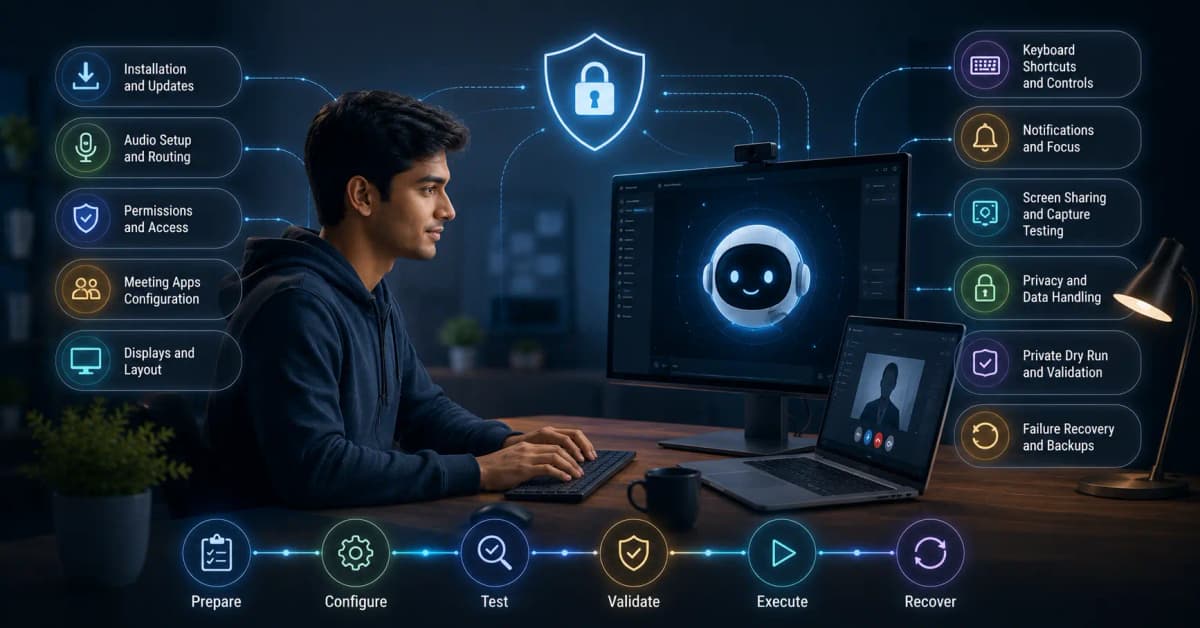
Both versions still need the permissions required for their actual functions, such as network access, audio handling, or supported capture behavior. A portable executable is not permission-free.
On first launch, verify:
- sign-in works through the official flow;
- the dashboard loads;
- audio devices are visible;
- the Invisible Browser opens;
- a private live-transcription test works;
- keyboard shortcuts do not conflict;
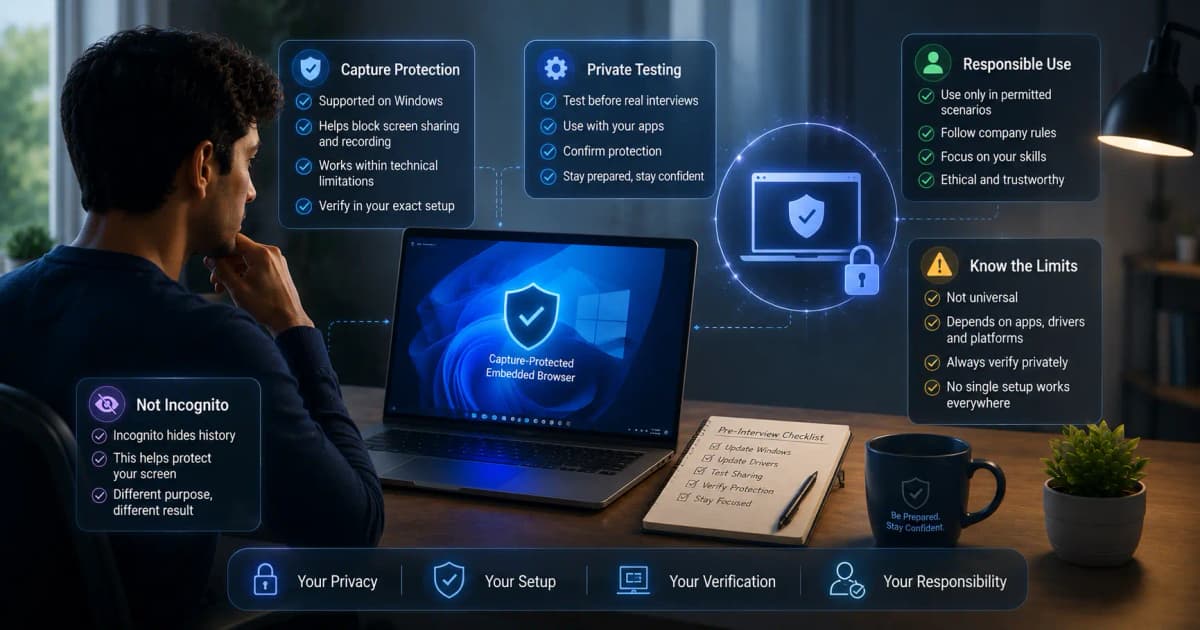
- screen-share behavior matches your tested capture mode.
Troubleshooting version confusion
If two copies behave differently, compare their version numbers and launch paths. Unpin obsolete shortcuts, remove old portable folders only after confirming they contain no needed exports, and do not mix files from separate releases.
For support, report:
- installer or portable;
- exact app version;
- Windows edition and build;
- download source;
- error text;
- whether the issue reproduces after a clean relaunch.
Performance: is portable faster?
Do not assume portable is faster merely because it skips installation. Runtime performance depends on the same computer, app version, network, meeting workload, audio route, and graphics configuration. The meaningful difference is deployment and update workflow, not an automatic speed advantage.
Which should you choose?
Use the installer unless you have a clear reason to prefer portable. It is the simpler production choice for a personal Windows machine. Use portable when self-contained deployment is genuinely helpful and permitted, and accept the extra responsibility for version management.
After choosing, follow the Windows AI interview copilot setup guide and live transcription checklist.
Bottom line
Installer and portable are delivery formats, not different interview plans. Pick the format that fits your Windows environment, verify the official source, update early, and test the exact build privately.
Download InterviewGPT for Windows.
Sources
The comparison was reviewed against InterviewGPT’s current download page, Windows update-mode code, and public FAQ on July 19, 2026.