
InterviewGPT Technical Copilot: Coding, DSA, and System Design Guide
Use InterviewGPT's Technical Copilot for permitted coding, DSA and system-design practice with approach, complexity, edge cases and trade-offs.

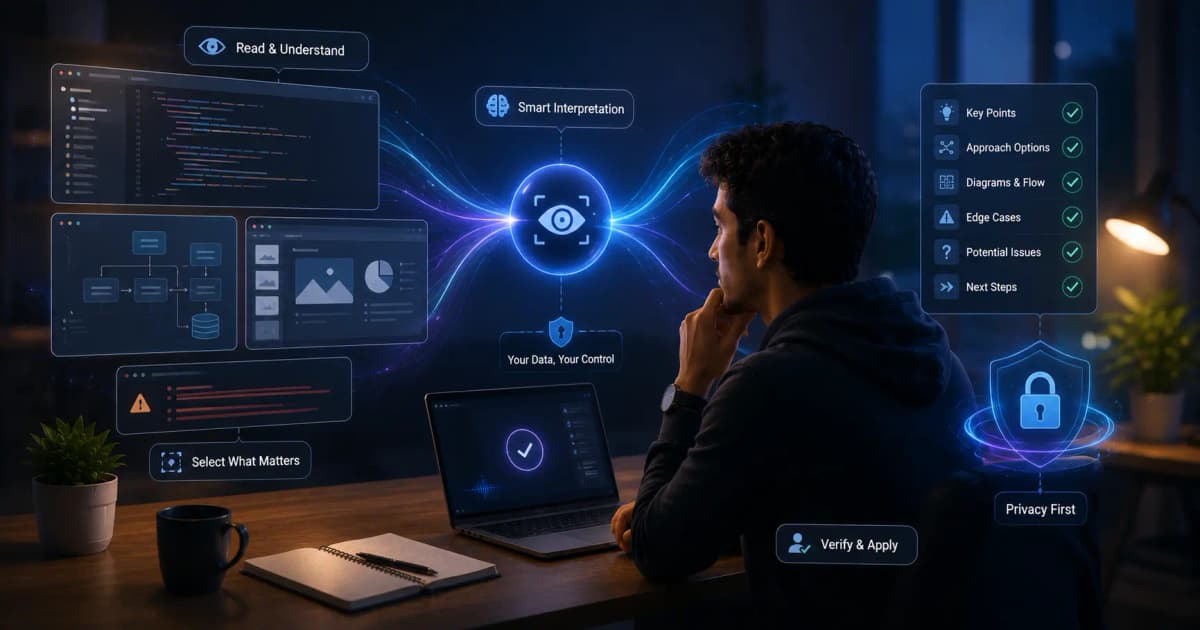
InterviewGPT’s Technical Copilot is designed to support coding, data structures and algorithms, and system-design conversations. Its useful output is not merely code: it should help organize an approach, surface constraints, explain time and space complexity, identify edge cases, and discuss trade-offs.
Use it for preparation and interview situations where assistance is explicitly permitted. It should never replace understanding or bypass closed-book assessment rules.
The explanation-first workflow
1. Restate the problem
Summarize the inputs, outputs, constraints, and examples. Ask the interviewer to confirm ambiguous details. A correct solution to the wrong problem still fails.
2. Start with a baseline
Explain the simplest correct approach before optimizing. This demonstrates reasoning and creates a reference for the complexity improvement.
3. Choose the data structure
Connect the choice to operations: lookup, ordering, traversal, frequency counting, range query, or priority. Do not name a structure without explaining why it fits.
4. Analyze complexity
State time and space complexity in terms of defined variables. Include preprocessing and output size when relevant.
5. Test edge cases
Use empty input, one element, duplicates, extreme values, disconnected components, cycles, overflow, and malformed data as appropriate.
6. Code and narrate
Write small coherent sections and explain invariants. If the interviewer changes a requirement, update the reasoning before patching code.
How InterviewGPT supports the process
InterviewGPT can combine:
- live transcription of the spoken question;
- Screen Vision capture of the visible prompt or diagram;
- resume and target-role context;
- AI answer guidance;
- a resizable technical answer panel;
- a connected mobile timeline;
- session history for post-practice review.
Screen Vision is user-triggered. Confirm the captured prompt before trusting the analysis.
Coding and DSA prompt template
Use a structured request during permitted practice:
Extract the exact problem requirements first. List assumptions and constraints. Give a brute-force approach, then an optimized approach. Explain the data structure, proof idea, time and space complexity, and five edge cases. Provide pseudocode before implementation. Do not invent missing constraints.
This produces a reviewable sequence rather than unexplained code.
System-design prompt template
Clarify functional and non-functional requirements. Estimate scale using stated assumptions. Propose APIs, data model, high-level components, data flow, consistency choice, caching, failure handling, observability, security, and two alternatives with trade-offs. Mark every assumption explicitly.
System design rarely has one correct answer. The quality comes from connecting architecture choices to requirements.
A sample DSA review rubric
| Dimension | Strong evidence |
|---|---|
| Problem understanding | Inputs, outputs, constraints, ambiguity confirmed |
| Baseline | Correct simple approach explained |
| Optimization | Clear reason for data structure or algorithm |
| Complexity | Accurate time and space analysis |
| Correctness | Invariant or proof intuition |
| Edge cases | Relevant tests, not a generic list |
| Communication | Small steps and interviewer check-ins |
Use the rubric on practice transcripts rather than judging only whether the final code passes.
Common AI-assisted mistakes
Producing code too early
The interviewer cannot evaluate reasoning if you jump directly to implementation. Ask for an outline.
Ignoring hidden constraints
An O(n²) solution may appear fine on a small example. Confirm input size before choosing.
Using an unfamiliar pattern
Do not present an algorithm you cannot trace. Choose the clearest approach you can defend.
Hallucinating APIs or syntax
Models can mix library versions or languages. Compile and test in permitted practice environments.
Treating system design as a component checklist
A cache, queue, and database are not a design until their roles and trade-offs are connected to scale and reliability goals.
Screen Vision accuracy checks
Before reasoning, verify every number, inequality, example, diagram label, and output format. If the screenshot is cropped or low resolution, zoom and recapture. Read the Screen Vision guide for a complete test method.
Responsible use
Many coding assessments explicitly prohibit external assistance. Follow the written rules. Appropriate uses include private practice, mock interviews, allowed open-resource interviews, explaining your own code, and studying public problems.
Do not capture proprietary code, leak assessment content, or misrepresent generated work as independent work when the policy requires otherwise.
Improve with session history
After practice, review:
- where you misunderstood the prompt;
- whether you stated complexity correctly;
- which edge cases you missed;
- whether the explanation matched the code;
- how often you depended on suggestions;
- what concept to study without assistance.
The goal is decreasing dependence as understanding improves.
Bottom line
InterviewGPT’s Technical Copilot is strongest as a reasoning scaffold: understand, baseline, optimize, analyze, test, and communicate. Use generated material only when permitted and only when you can verify and explain it.
Download InterviewGPT, choose a public practice problem, and compare your transcript with the technical interview preparation guide.
Sources
Feature behavior was reviewed against the InterviewGPT public feature page and current desktop/mobile technical session code on July 19, 2026.