

What Is an Invisible Browser for Interviews?
Learn what an interview Invisible Browser is, how desktop capture protection works, its limits, safe testing steps and how InterviewGPT uses it.
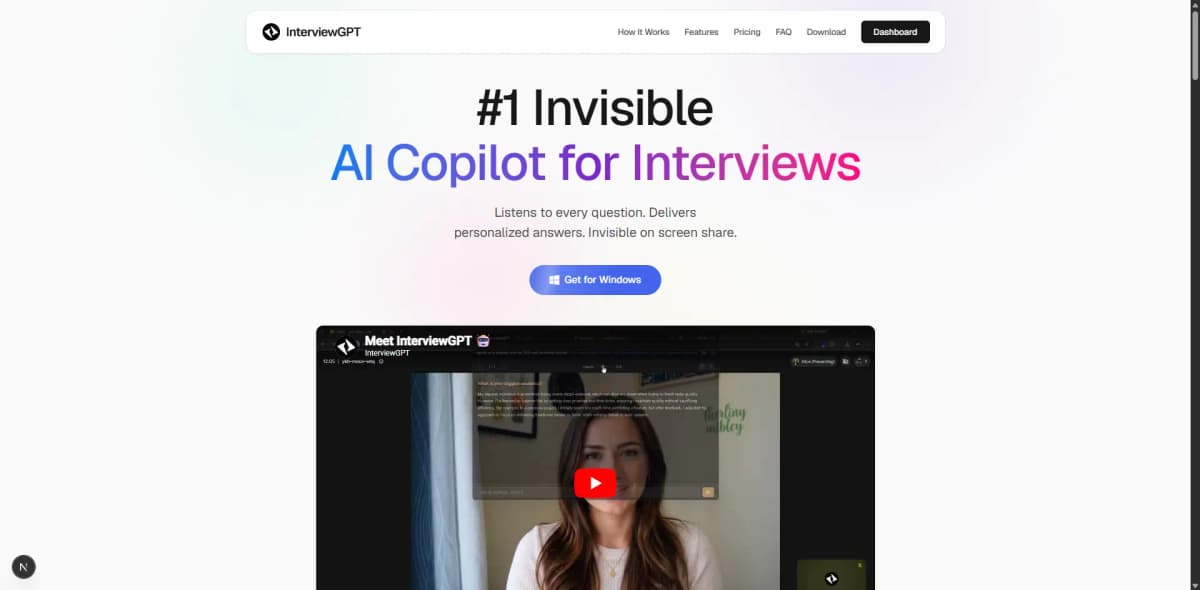
An Invisible Browser is an embedded desktop browser designed to stay outside common screen-share captures while remaining available to the local user. It is different from incognito/private browsing: private mode controls local history and cookies, while screen-capture protection controls how a window appears to capture software.
How it works conceptually
A desktop app can host a browser engine inside its own window and request operating-system content-protection or window-exclusion behavior. It may also hide taskbar presence and provide global keyboard controls. The local user sees the browser; supported capture paths may omit or mask the protected window.
This depends on the operating system and capture path. Full-screen, window, tab, region, GPU, recording, remote-desktop, or enterprise security software can behave differently.
What it is not
- It is not the same as Chrome Incognito or private browsing.
- It is not a universal invisibility guarantee.
- It does not grant permission to break interview or assessment rules.
- It does not make web content accurate or private from the websites visited.
- It does not replace interview preparation or technical understanding.
InterviewGPT's Invisible Browser
InterviewGPT includes a browser-mode view in its Windows desktop app using an embedded webview. The desktop window applies content-protection and taskbar policies. The browser can support manual web navigation inside the app and is positioned as a free feature.
This free browser must remain distinct from InterviewGPT's live AI interview allowance. Automatic transcription and answer generation use configured free limits, paid wallet minutes, or an active unlimited pass. Check live pricing.
Test it safely
- Open only non-confidential test content.
- Join a private meeting from a second account.
- Start a recording on the second device.
- Test full desktop, application window, browser tab, and region sharing.
- Move, resize, minimize, restore, and switch displays.
- Inspect taskbar, Alt+Tab, notifications, and recording output.
- Repeat after OS, graphics-driver, or meeting-app updates.
If the protected window appears, do not assume another share mode will hide it without testing.
Responsible use cases
An embedded browser can be useful for permitted notes, public documentation, an accessibility workflow, practice sessions, or allowed open-resource interviews. Follow written interview rules, do not record or capture people without consent, and do not access unauthorized answers in a closed-book assessment.
Privacy considerations
Browser websites still receive normal requests and may store cookies. The desktop app and external sites have separate privacy policies. Avoid passwords on shared machines, use multi-factor authentication, keep the app updated, and do not upload confidential data to third-party services.
Bottom line
An Invisible Browser is a desktop capture-control workflow, not private browsing and not a promise of undetectability. InterviewGPT's free embedded implementation is a meaningful differentiator for Windows users who test it carefully and use it within the interview's rules.
Read the screen sharing, privacy, and ethics guide, follow the Windows setup guide, or download InterviewGPT.